VOD Pipeline User’s Guide#
The VOD pipeline system will automatically upload the received files to Google Drive and Aliyun OSS, and transcode them into a multi-bitrate stream.
There are three websites that are available in the system.
Video Upload Procedure#
Note: Currently Only Latin alphabet video names are valid. Please refrain from using Chinese characters in video names.#
Overview#
- Step 1. Upload
- Step 2. Wait
- Step 3. Receive the URLs
Step 1. The files are uploaded to the File Upload website. The credentials will be sent via email.#
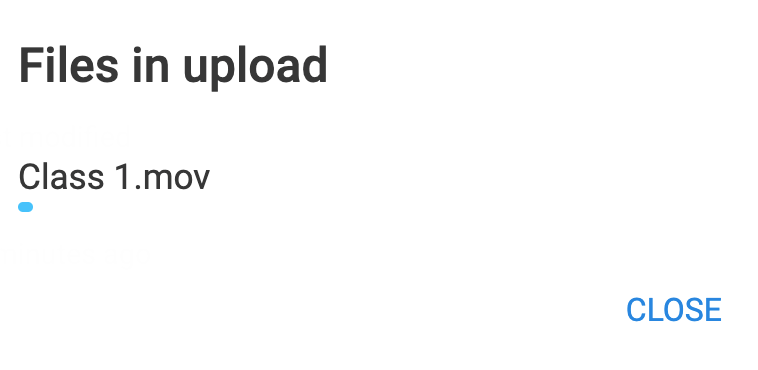
The files are uploaded using the upload button. There will be a process bar at the top of the screen, additionally, the upload process button can be clicked to see the process of individual files. To cancel an ongoing upload process, simply refresh the page.
- The upload button is used to upload the videos.

- File and Folder options can be both selected, however, the videos will be uploaded to the Apsara VOD service without the folders.
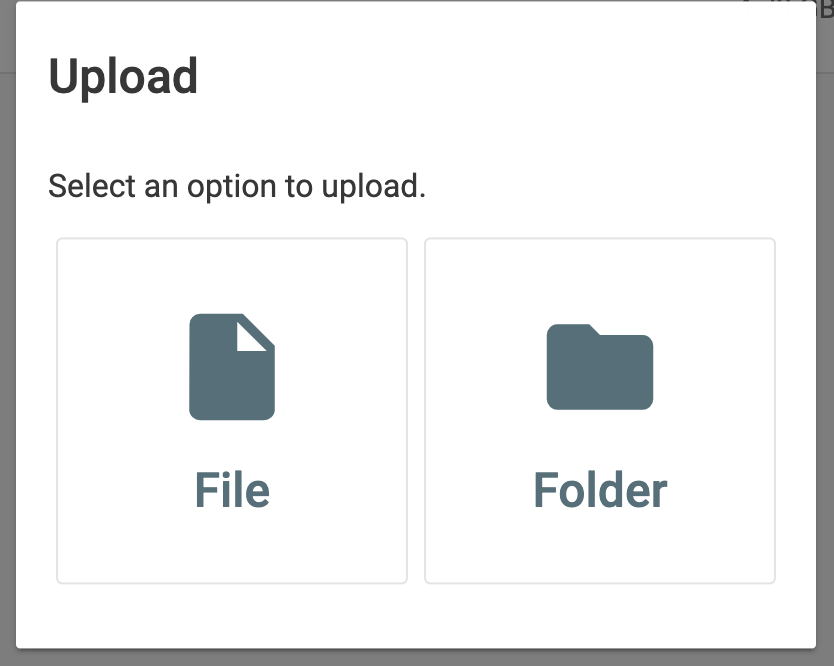
- The status of the upload process can be viewed by clicking this button.

- The status of the files will be shown in this format.
Step 2. The files will be uploaded from the Mac Mini to the Cloud.#
This process will be done automatically. The video files uploaded to the Aliyun OSS will be uploaded to the Apsara VOD service and converted into a multi-bitrate steam.
The process will take around 1 hour once the local upload is completed.
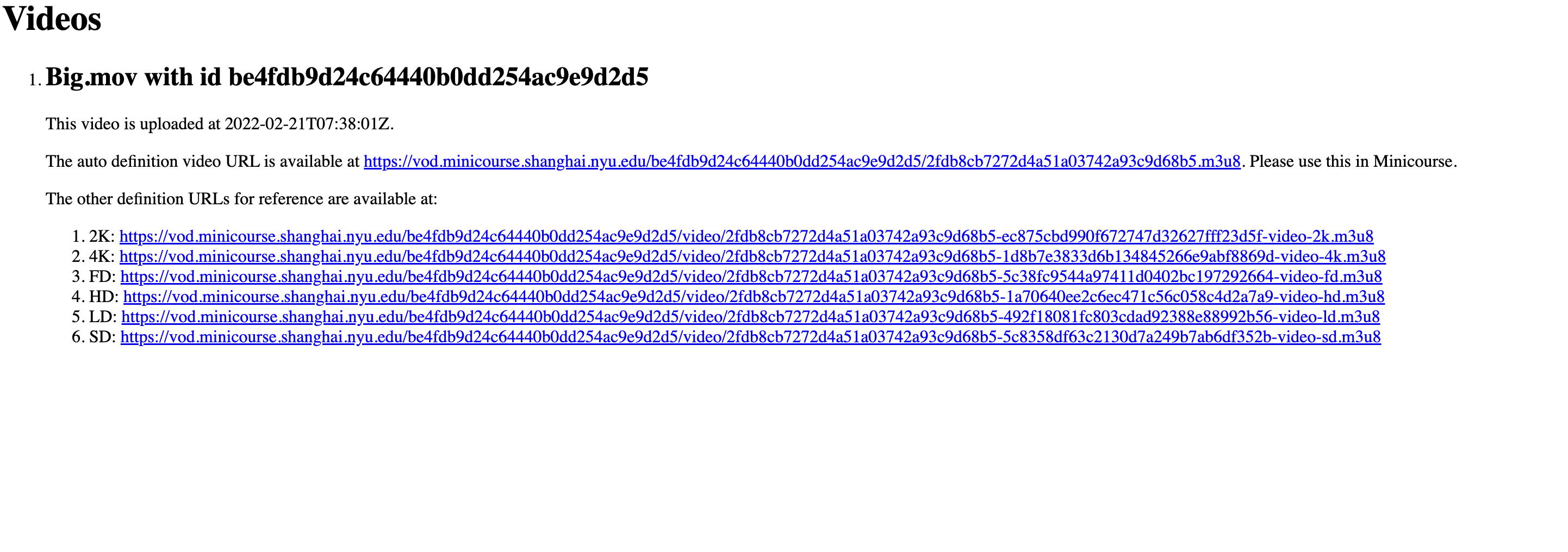
Step 3. Receive the URLs for the completed video files.#
An email will be sent when the URLs are ready. Additionally, the URLs for the videos can be accessed from the Video URL website.